Waste pixels, not walnut.
BuildersJig is a 3D build simulator that lets you mill, cut, join, and glue
virtual lumber in a virtual shop — so you walk into your actual shop with prints, cutlists, cost analysis, and confidence knowing exactly what to do, what to buy, and what it'll cost.
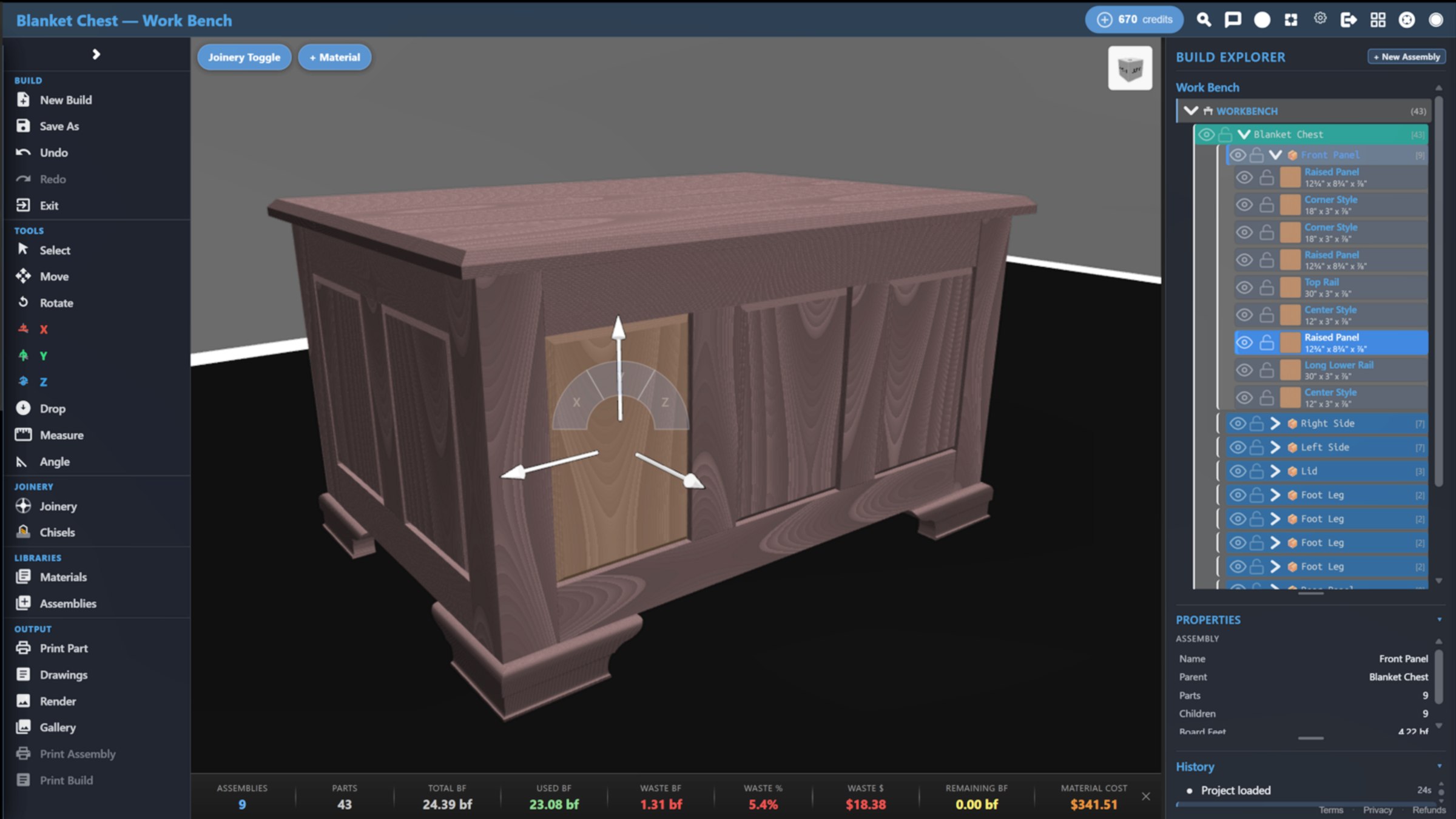
Equipment-aware feasibility checks. AI workshop advisor. No download required.
You've watched the YouTube videos. You've bought the lumber. But between the plan in your head and the finished piece in your shop, something always goes wrong. A board comes up short. A joint doesn't fit. And that $60 piece of walnut becomes a $60 lesson.
Sketching by hand is slow, hard to revise, and impossible to share in a way that inspires confidence.
SketchUp is for architects. Fusion 360 for engineers. You spend more time learning software than building furniture.
You can't answer "how much?" if you can't calculate material cost. So you guess. And you guess low. Then the walnut bill comes in and you're working for free.
BuildersJig doesn't ask you to think like an engineer. It asks you to think like a woodworker.
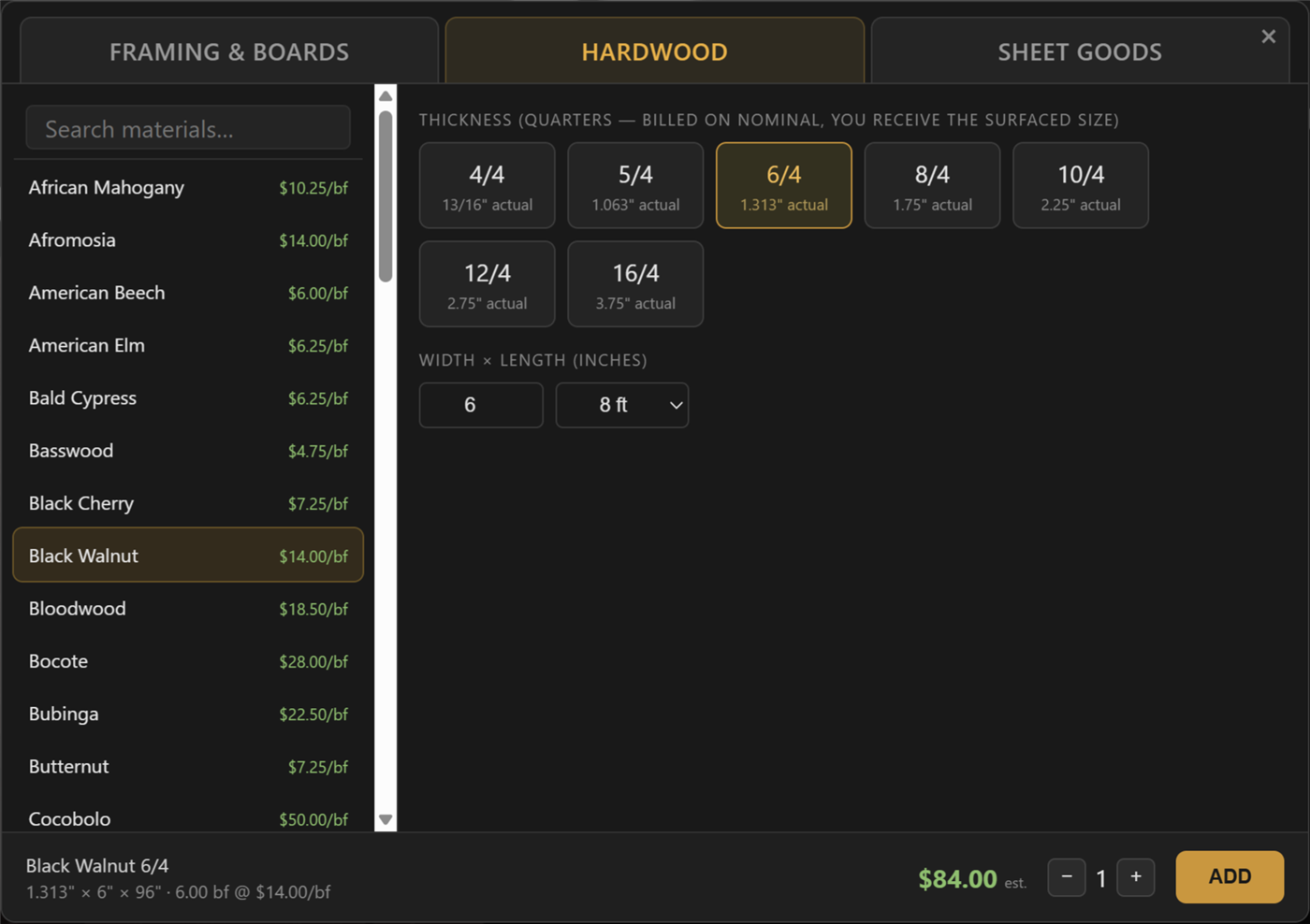
Pull a board from 54 species. Choose rough dimensions — just like picking lumber at the yard.
Mill boards. Make cuts. Route joints. Every action transforms the material — just like in your shop.
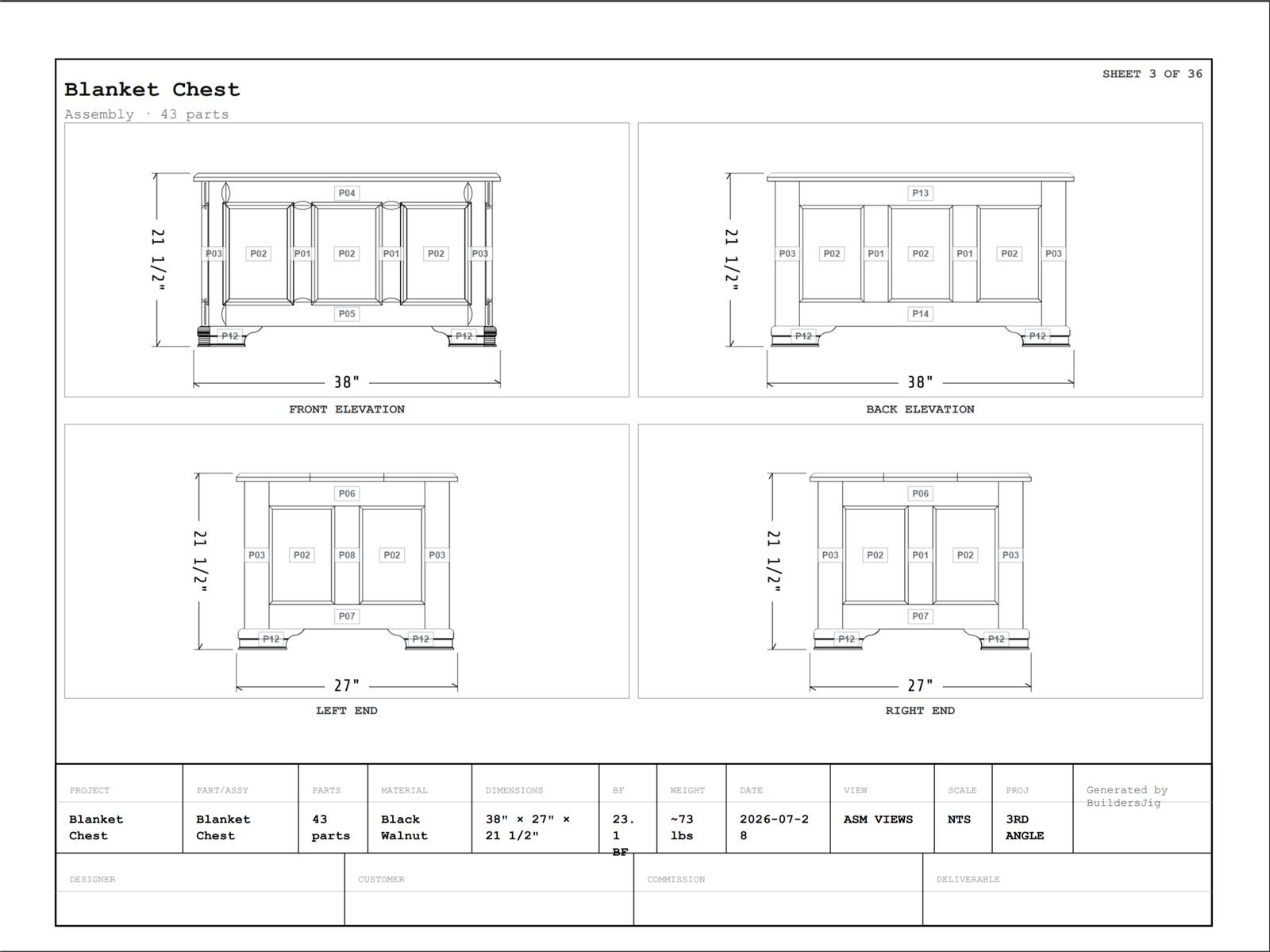
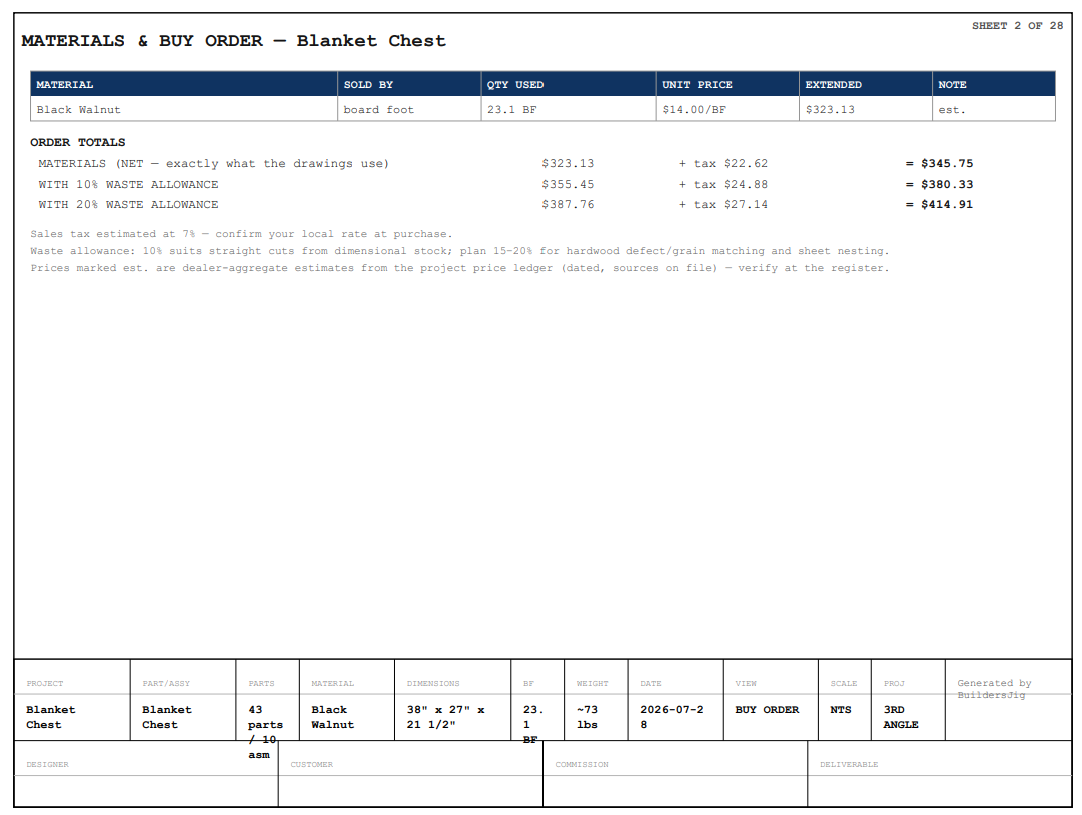
Cut lists, material costs, and waste tracking generate automatically from your work.
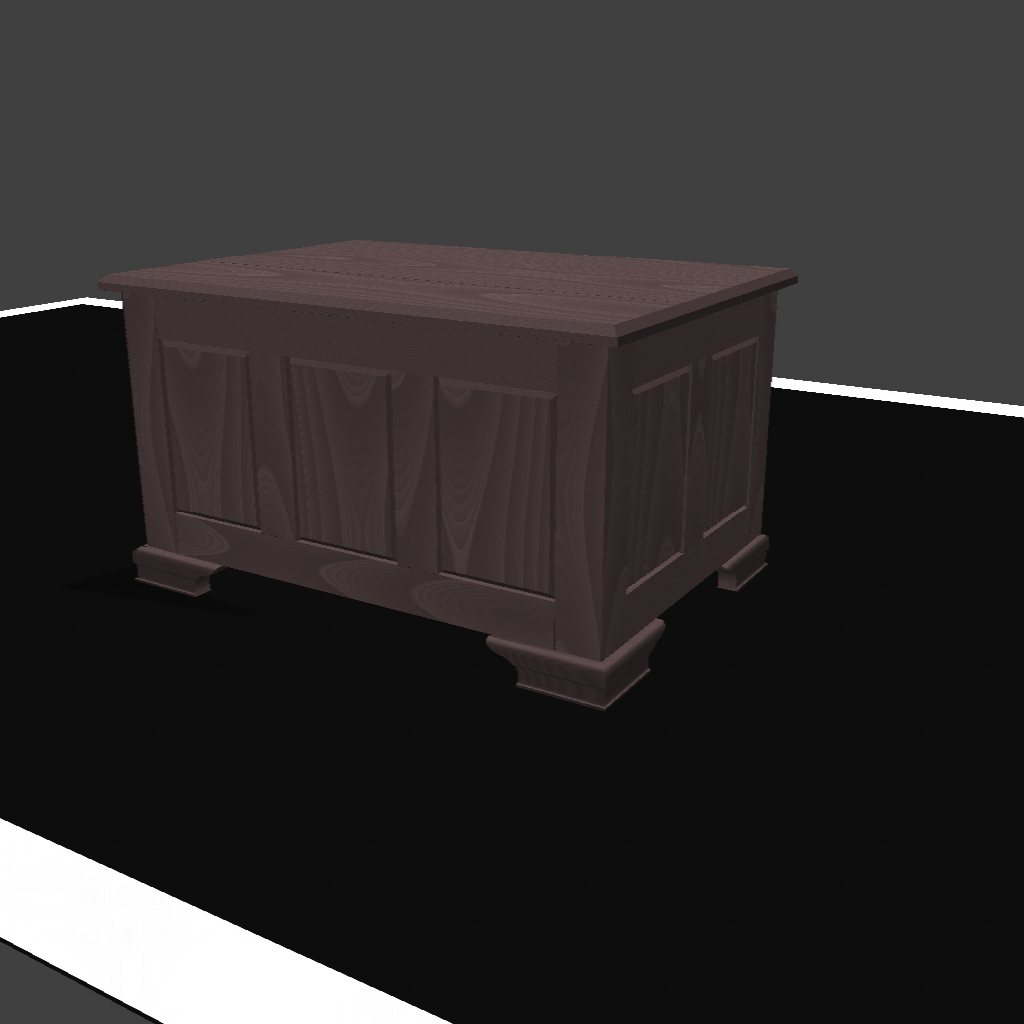
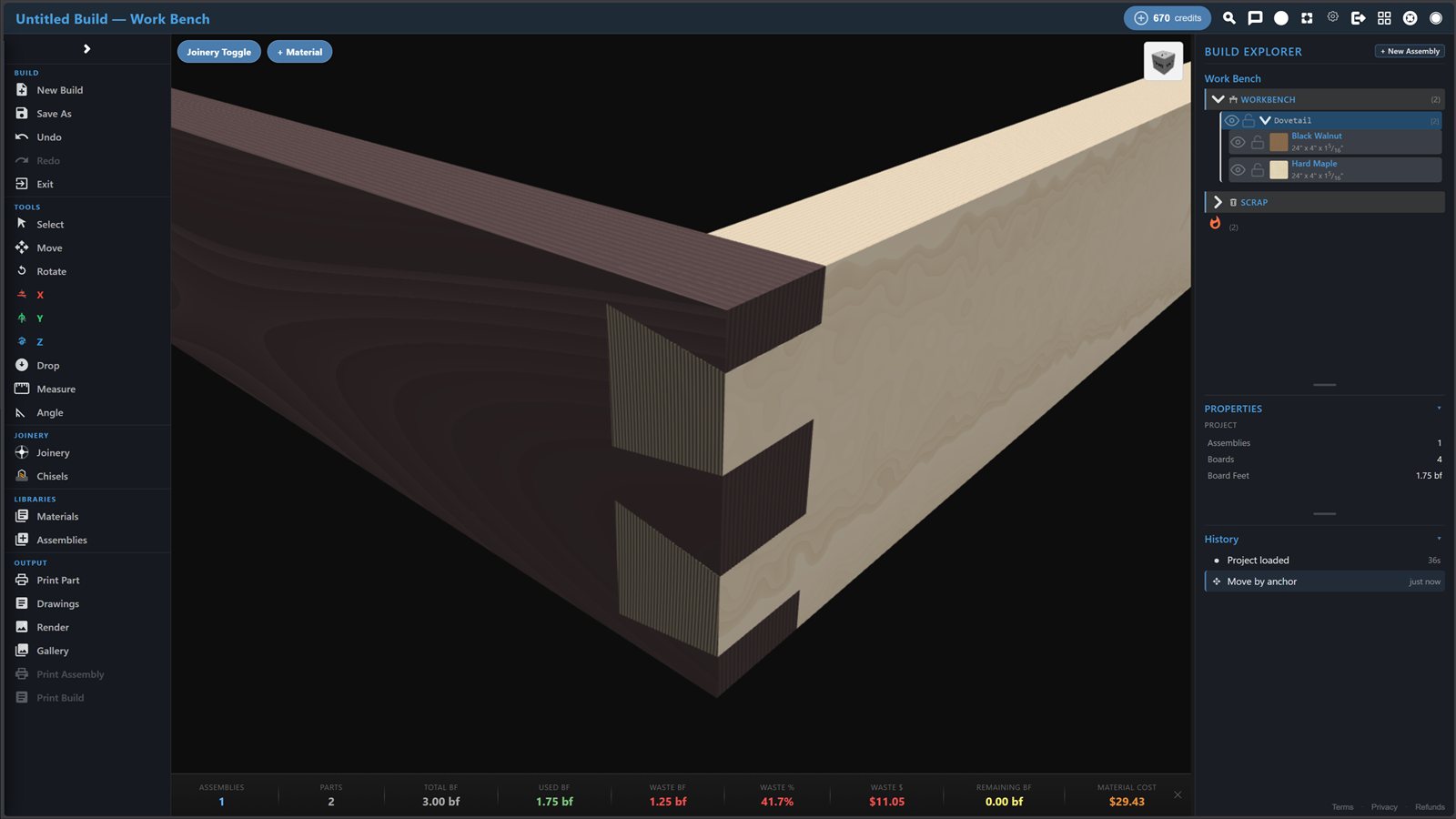
Procedural grain — not textures. Cut a board and the grain follows through both pieces.
Two features that create a moat no competitor can cross.
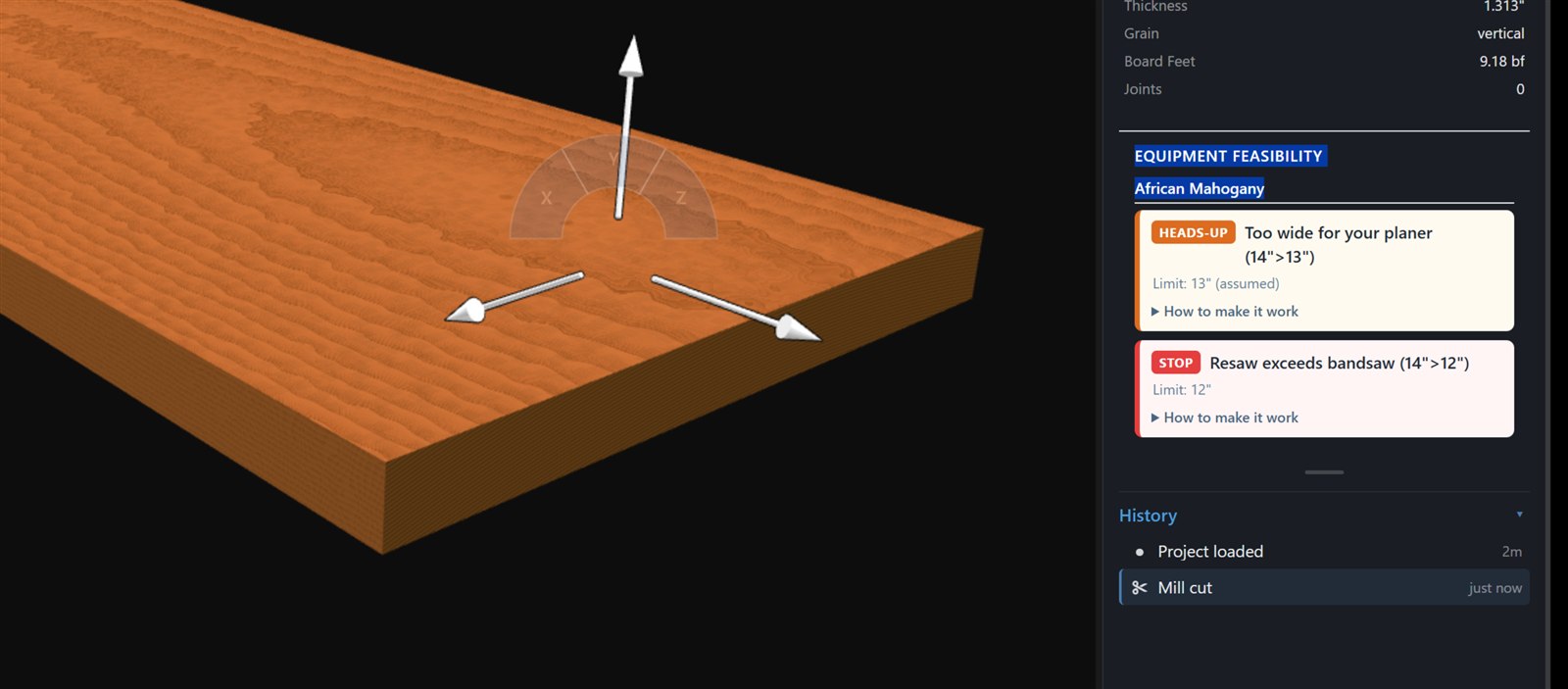
Tell BuildersJig what's in your shop — your bandsaw, your table saw, your planer. The software checks every operation against your actual equipment and flags anything your tools can't handle.
"Your 14" bandsaw with 1hp motor can't resaw this 10" walnut board. Consider resawing in two passes or starting with thinner stock."
An AI that sees your build — every board, every joint, every dimension — and answers questions, points out problems, and suggests better approaches. Like a master woodworker looking over your shoulder.
"This mortise is 3/16" from the board edge. At this depth, you risk blowout. Consider moving it inward or switching to a dowel joint."
Same sequence you'd use on a real build. Stock → mill → cut → join → finish.
Choose from 54 species. Select rough dimensions the way you'd pick boards at the yard.
54 speciesRun 12/4 stock through the planer — watch it become 2.5". That half-inch is tracked as waste.
Material lineageMake cuts and watch ⅛" disappear. Route profiles. Scroll saw curves. Every offcut accounted for.
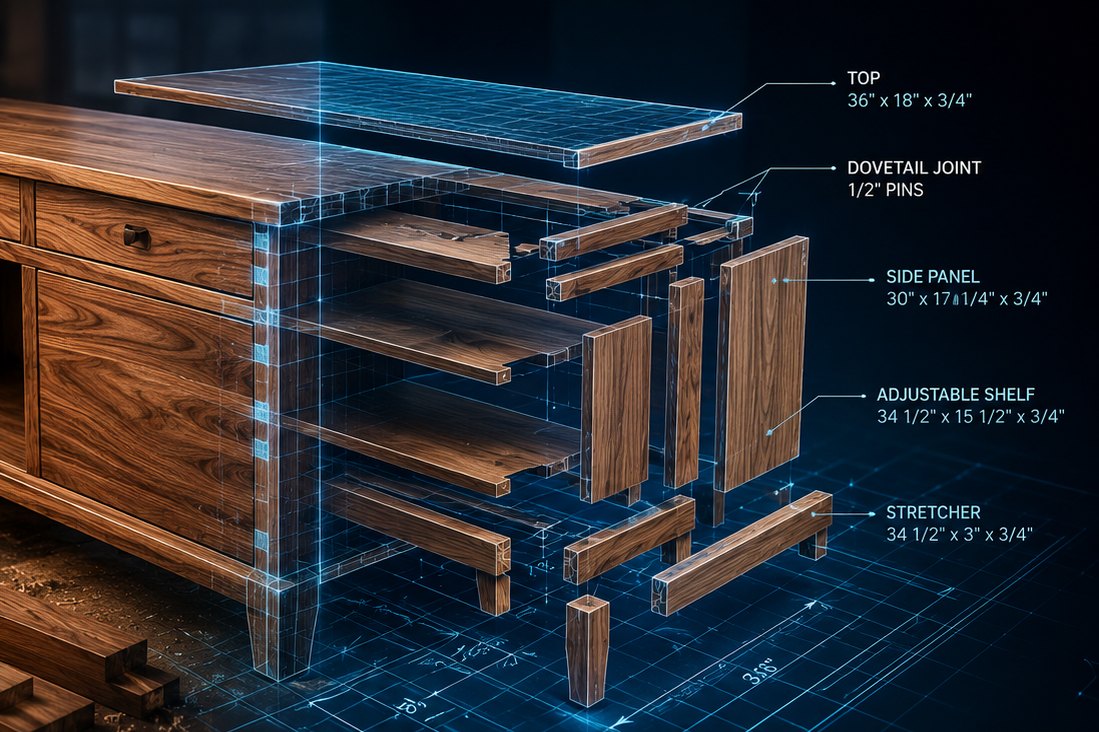
Kerf trackingButt, mitre, mortise & tenon, dowel, dovetail, dado, rabbet, and more. Grain continuity preserved.
9 joint typesExplode your assembly into a complete cut list. Know stock, waste, and cost before spending a dollar.
Auto-generatedNot textures on boxes. Grain generated mathematically — unique per board, continuous through every cut.
Hardwoods, softwoods, exotics, sheet goods. Each with species-accurate procedural grain.
| BuildersJig | Shapr3D | SketchUp | SketchList 3D | SolidWorks | Fusion 360 | |
|---|---|---|---|---|---|---|
| Purpose-built for woodworking | ✓ | — | — | ✓ | — | — |
| Runs in your browser | ✓ No install | Desktop | Web (limited) | Desktop | Desktop | Desktop |
| Simulates real shop operations | ✓ Mill, saw, joinery | Draw geometry | Draw geometry | Design layout | Draw geometry | Draw geometry |
| Procedural wood grain | ✓ Generated | Textures | Textures | Textures | Textures | Grain direction |
| Built-in kerf & waste tracking | ✓ Built-in | — | Free plugin | ✓ | — | Partial |
| Auto cut list & cost | ✓ Built-in | — | Plugin | ✓ | Weldments | ✓ |
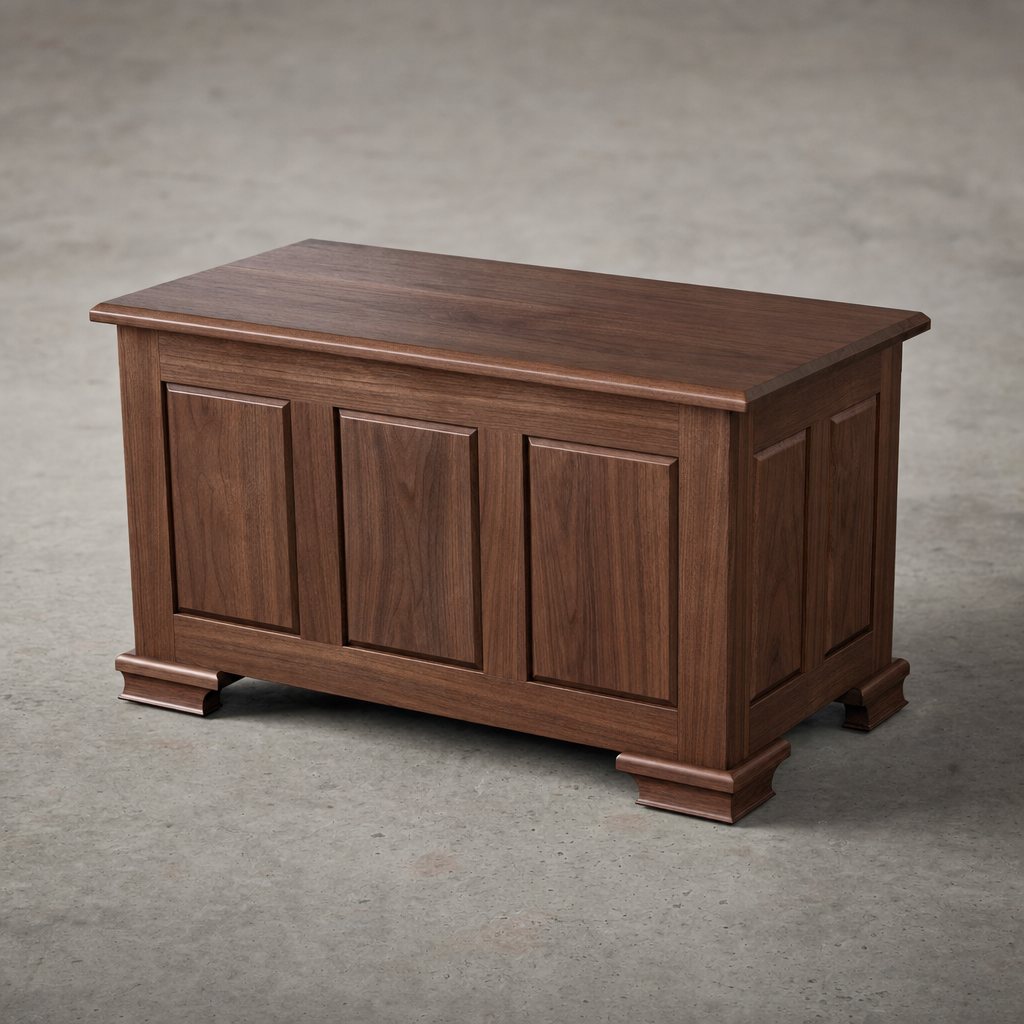
| AI workshop advisor & renders | ✓ | — | — | — | — | — |
| Equipment feasibility checks | ✓ Your tools | — | — | — | — | — |
| Price | Free, or Pro $9–29/mo | ~$299/yr | $0–399/yr | ~$600/yr | ~$2,820/yr | ~$680/yr* |
Competitor pricing and features as of 2026, from public sources; each tool's core/native capabilities. *Fusion 360 is free for qualifying personal use.
At 15% waste, a woodworker spending $600/year on hardwood loses $90 in bad cuts. Pro costs as little as $9/month. If it saves you two boards this year, it paid for itself and bought you a new blade.
no. While BuildersJig is technically computer-assisted drawing, it's nothing like traditional CAD. Other CAD starts with abstract geometry on a grid. BuildersJig starts with real lumber — you mill, cut, join, and glue actual boards, and the cut list, waste, and cost fall out of the build. Gridless, shop-first, no geometry degree required.
If you can use a table saw, you can use BuildersJig. The interface follows shop operations you already know.
It sees your entire build and answers questions in context — joint strength, grain direction, material choices — based on what you've built.
During setup, you tell BuildersJig what's in your shop. It flags any operation your tools can't handle before you try it for real.
We generate grain mathematically — unique per board, species-accurate, continuous through every cut and joint. Not photos on boxes.
A modern browser. Chrome, Firefox, Edge, Safari. No download, no install. If it plays YouTube, it runs BuildersJig.
The whole shop is free: building, cut lists, blueprints, and the AI advisor never cost credits. The only credit sink is AI renders — 1 render = 90 credits, and Free includes 250 credits/month (about 2 renders). Need more? Pro adds 15 renders/month plus full-resolution, watermark-free output.
$9/month billed annually ($108/year), or $29 month-to-month with no commitment. Cancel anytime — one email, done. Pro unlocks 15 AI renders/month, full-resolution watermark-free renders, priority rendering, unlimited saved projects, and a commercial-use license.
No. The Free plan is permanent — no credit card, no commitment. Build all you want and use the AI advisor for free. Upgrade to Pro only when you want more AI renders and the commercial features.